
Kakobuy · Handover Desk
How to use Kakobuy: the eight-step buying guide
Follow the official sequence from a seller link to receipt, with all seventeen original instructional images and the right record at each handover.
On this page
Official tutorial text and image order checked on 15 October 2026. These older screenshots are interface examples: prices, coupons, routes and account values are not current quotes. Each image opens at full size.
1. Select products
Find a product by seller URL, image or keyword. Save the exact listing and selected seller; an image match alone does not establish the same goods.
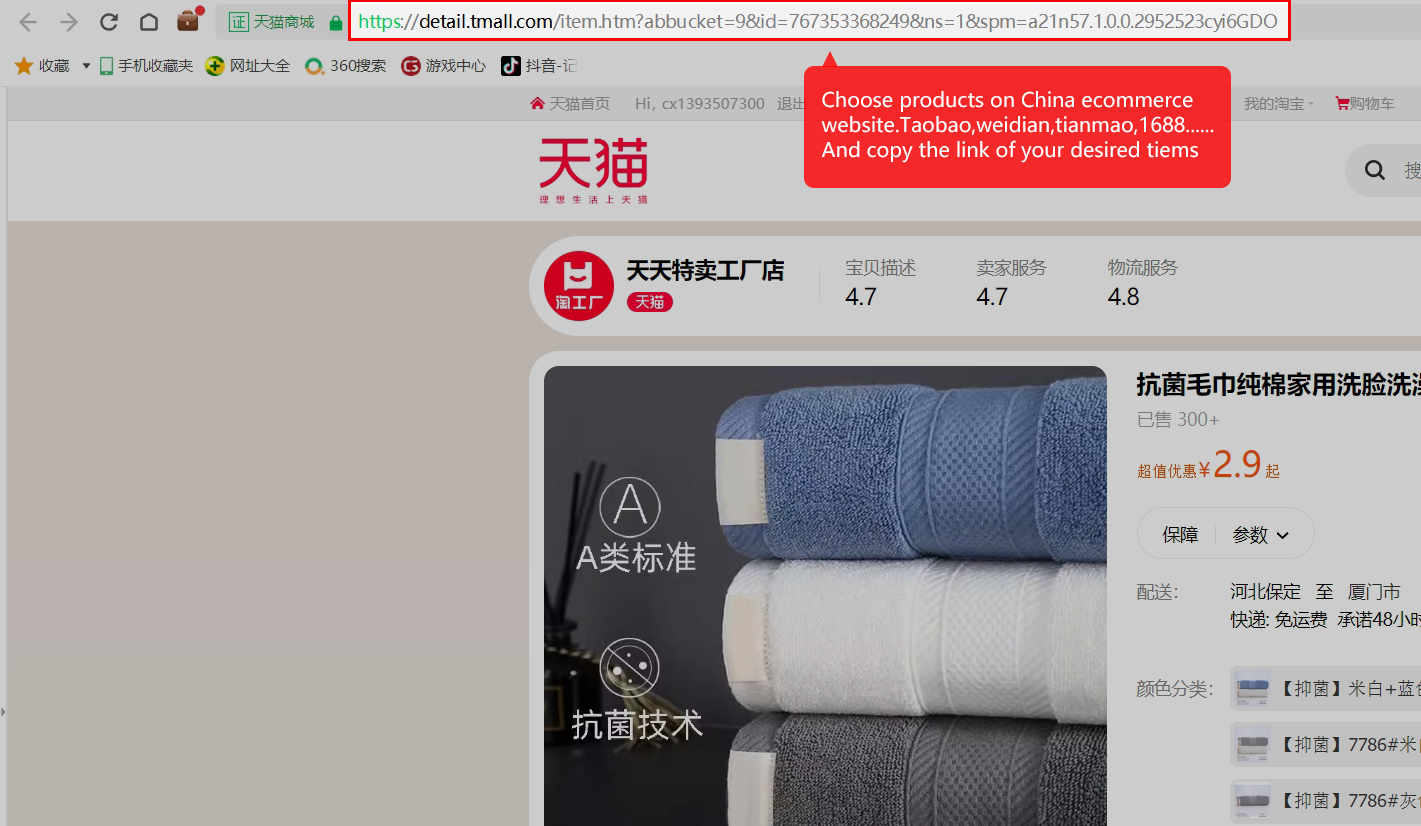
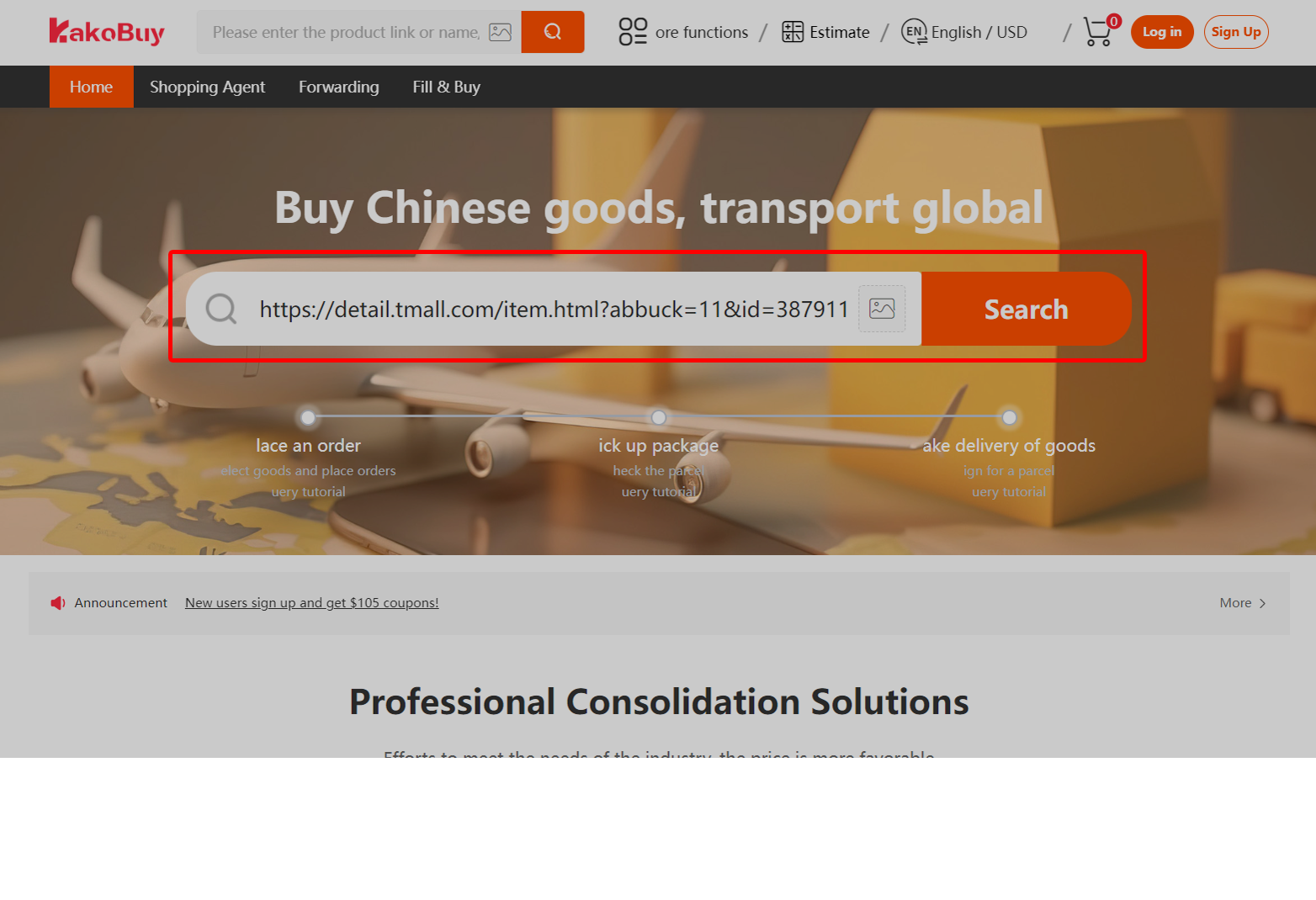
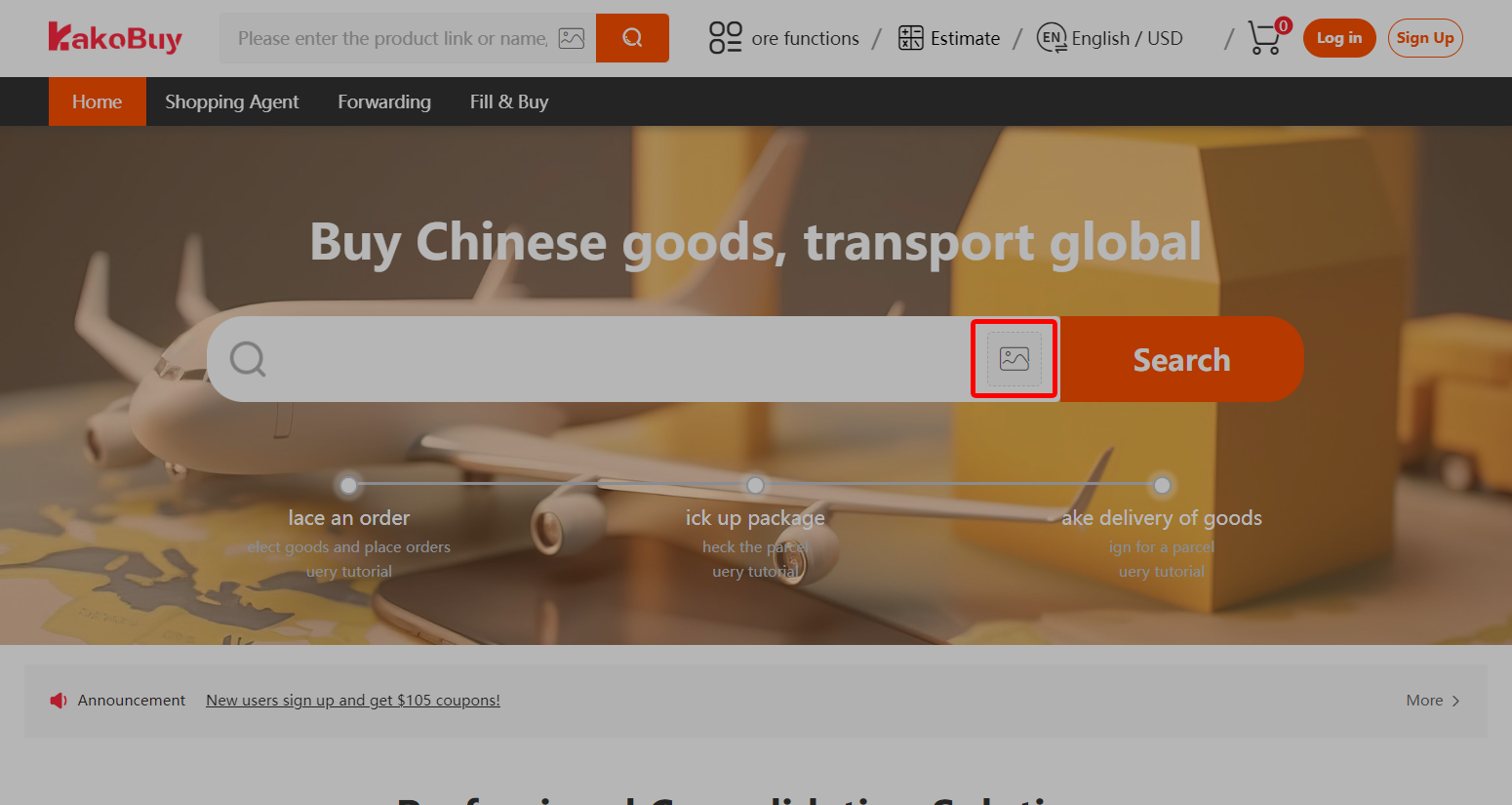
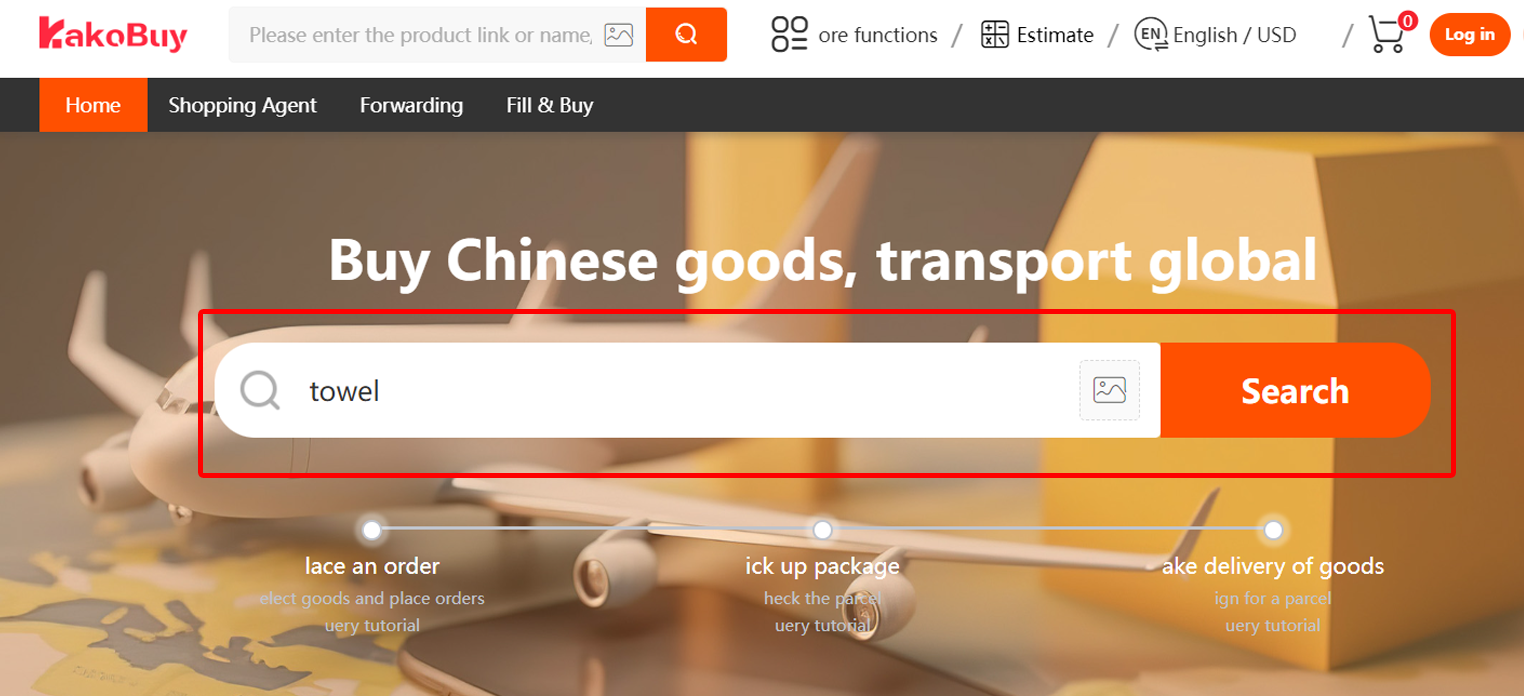
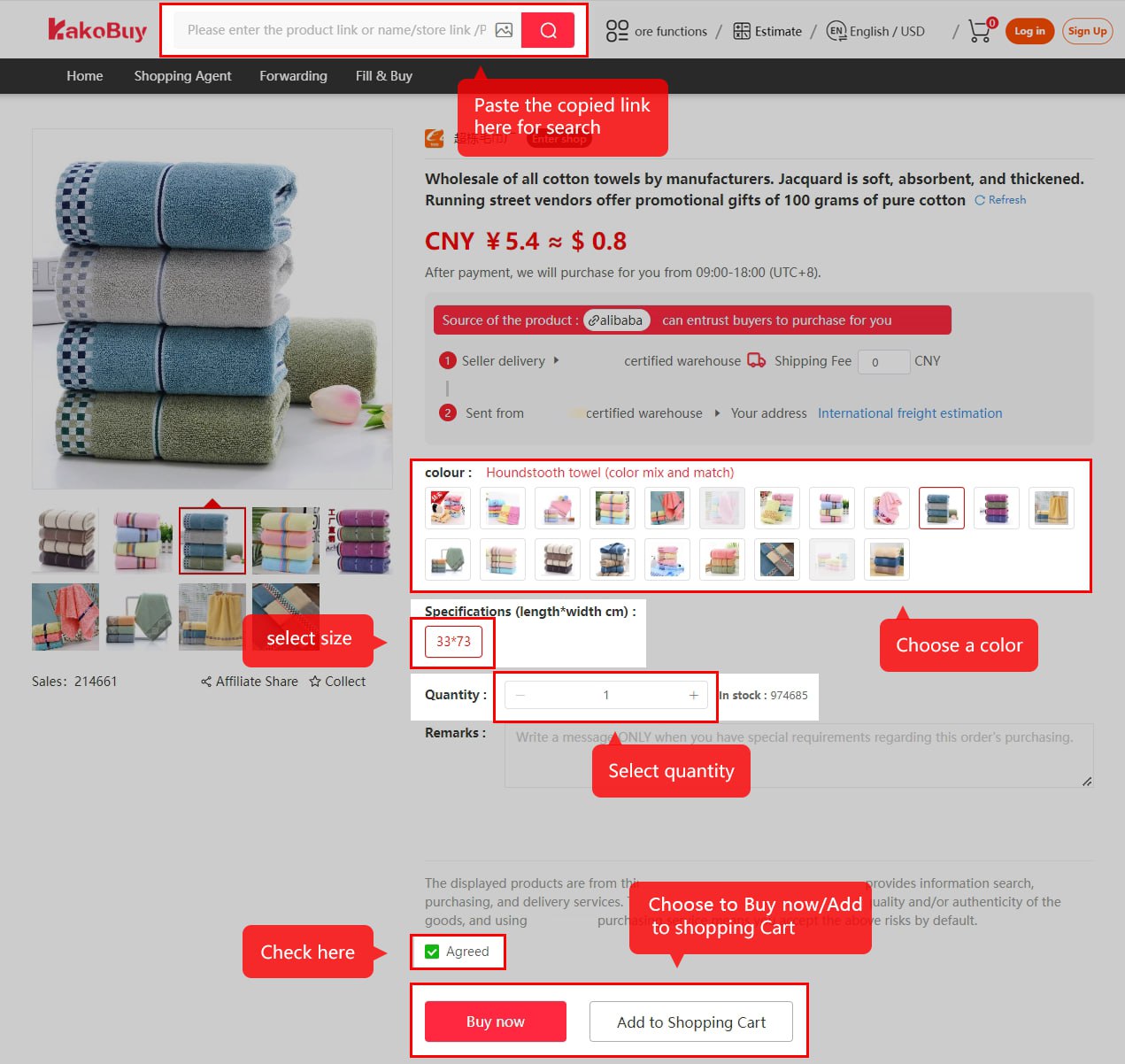
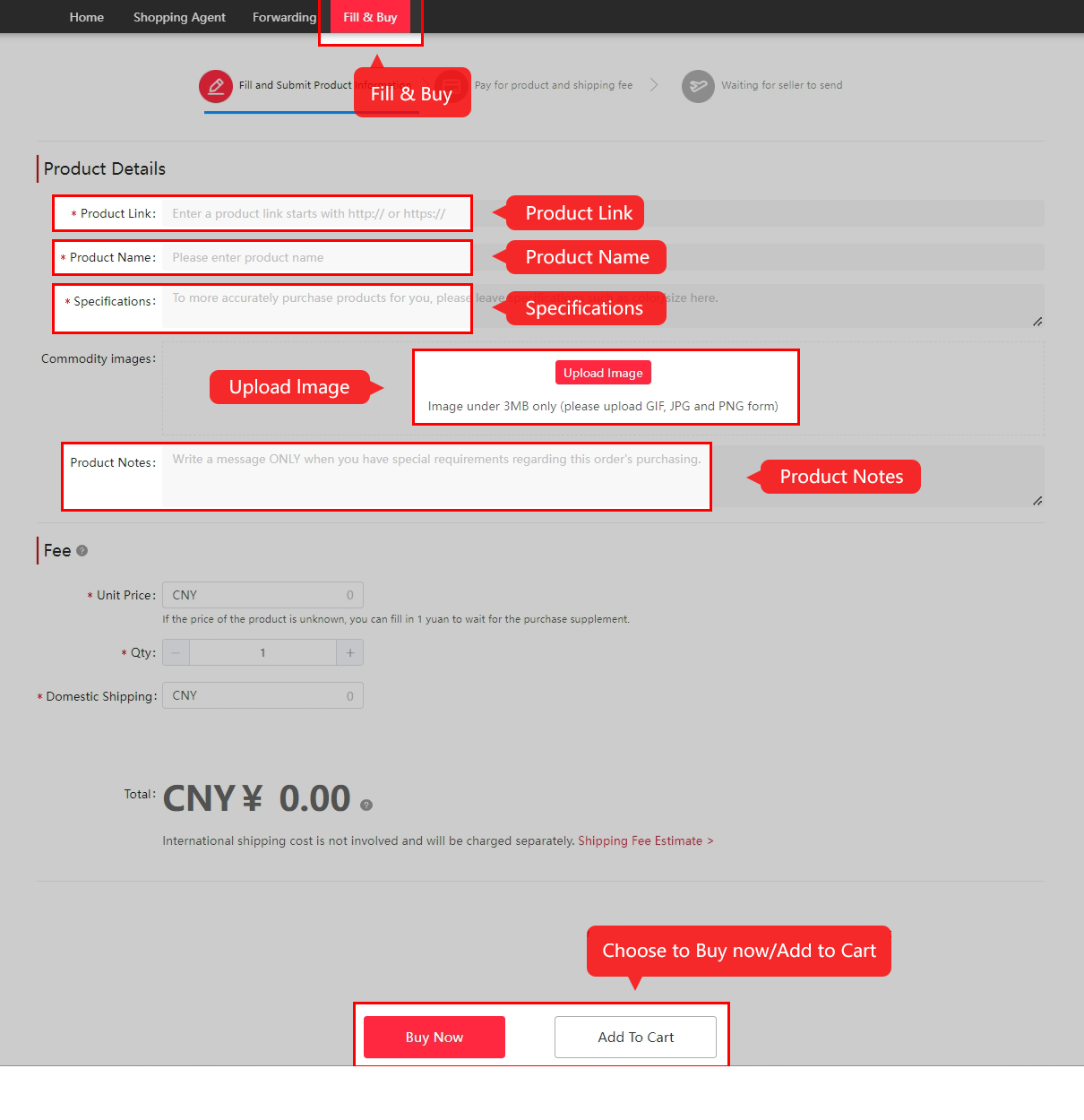
2. Submit a purchasing order
Choose the actual variant, size and quantity, and add precise order notes. If the normal link cannot be loaded, check the current manual-order form and restrictions before paying.
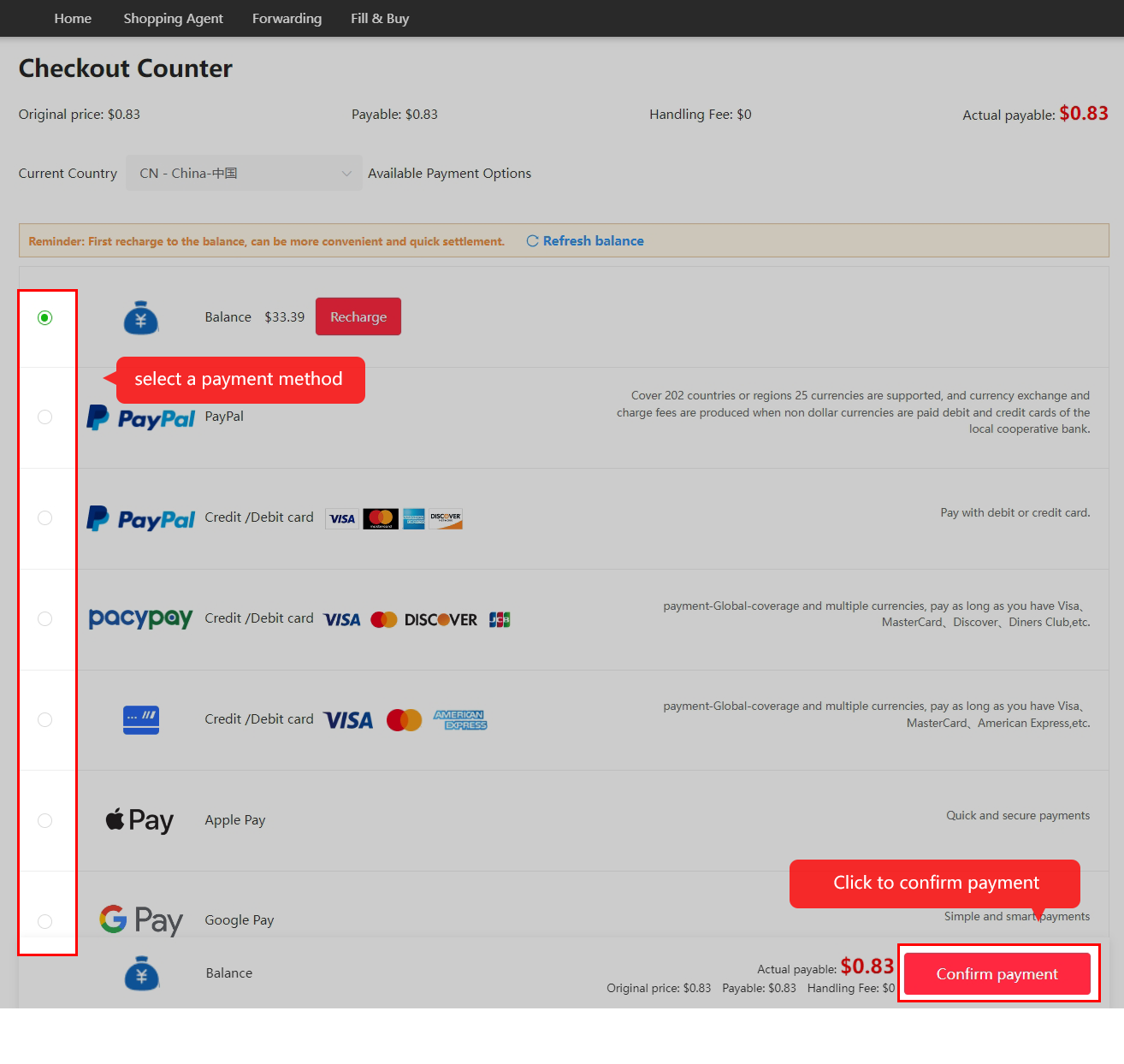
3. Pay for goods and domestic delivery
Review the first payment: item purchase and seller-to-warehouse delivery. Save the paid amount and order reference. International freight is a later payment.
4. Follow agent purchase and seller dispatch
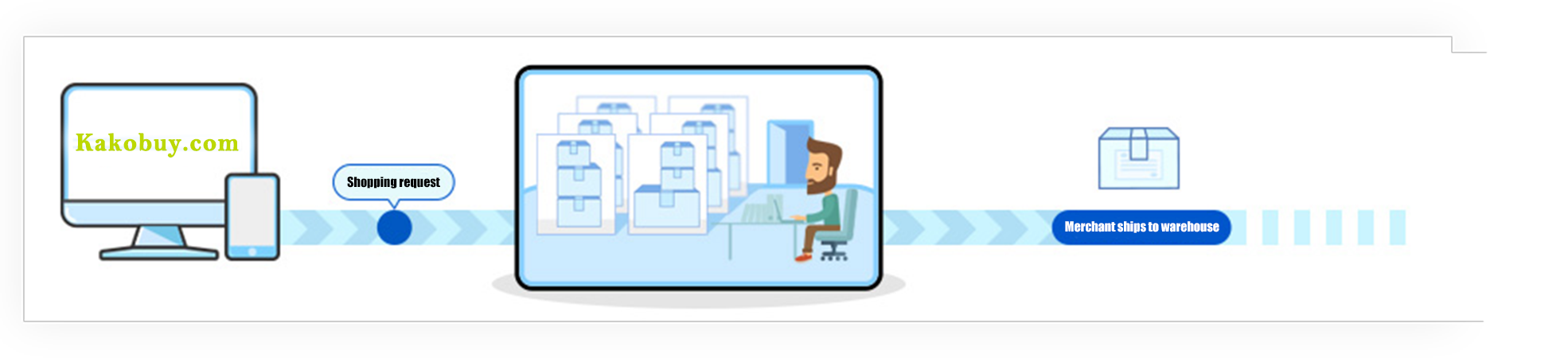
Kakobuy reviews the request and purchases from the seller. Respond to stock, price or specification questions before accepting changes. Review and shipping times vary; historic tutorial timings are not promises.
5. Inspect and store the goods
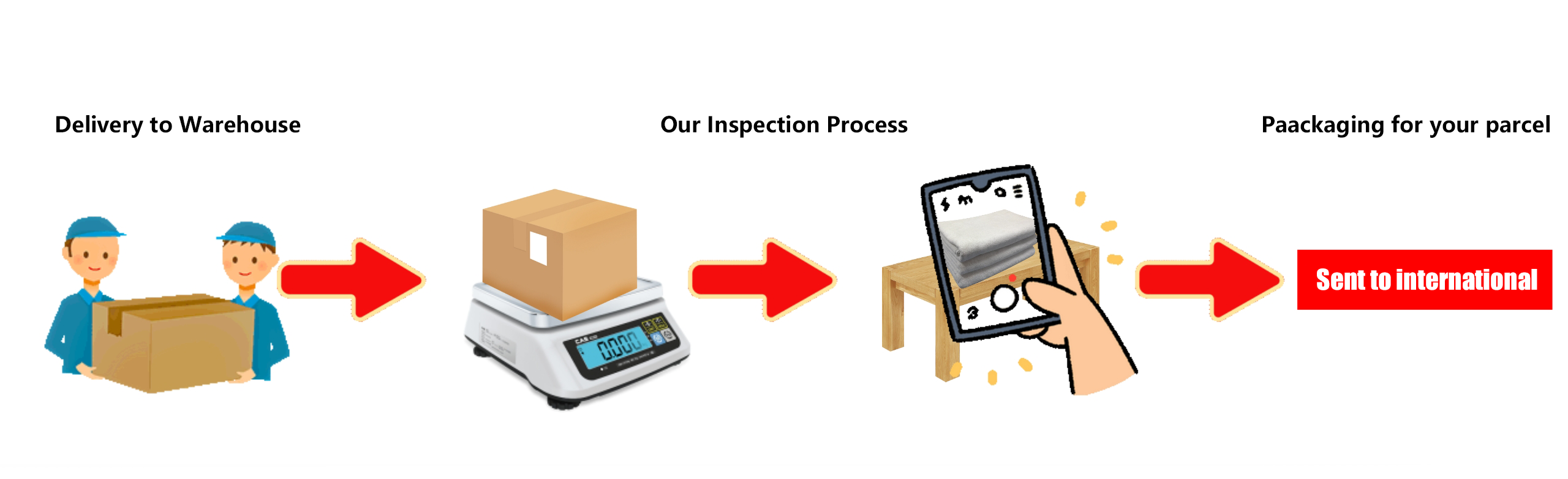
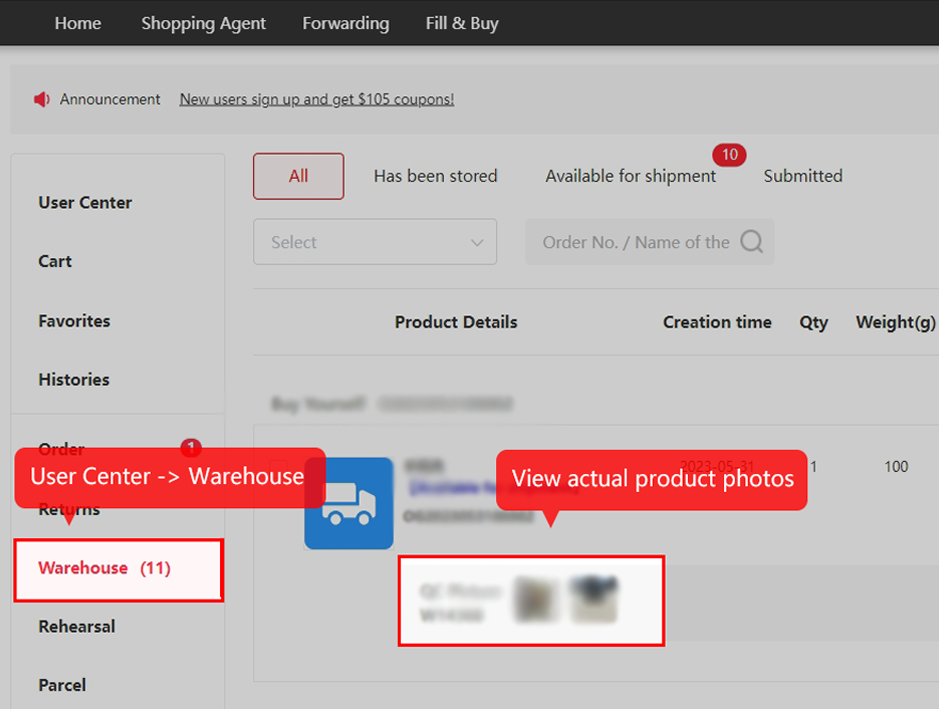
Compare the actual item photos with the order and selected variant. Ask for relevant visible details and act promptly on an eligible return. Check the item’s storage deadline; normal and abnormal goods have different periods.
6. Submit and pay for overseas shipment
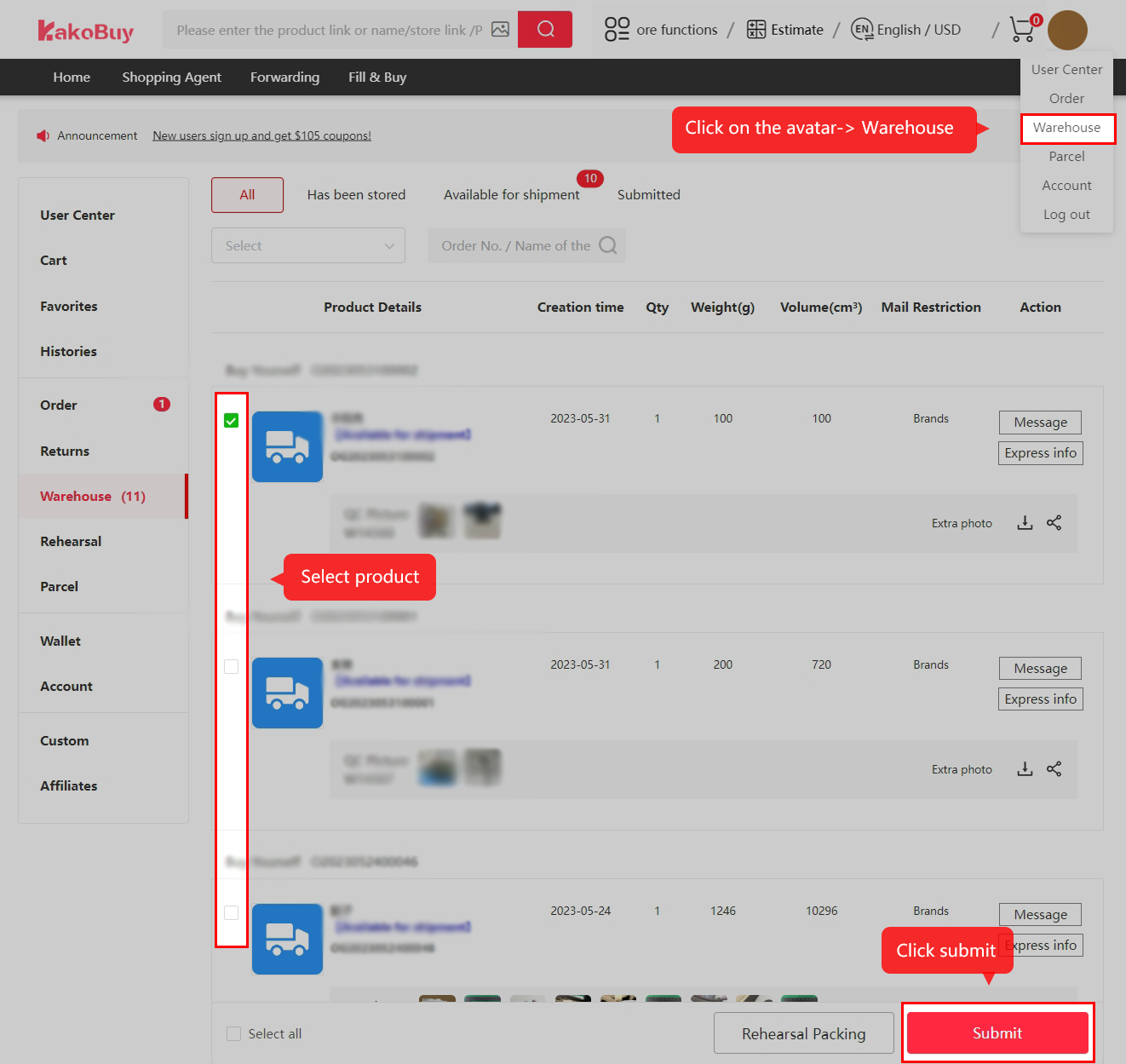
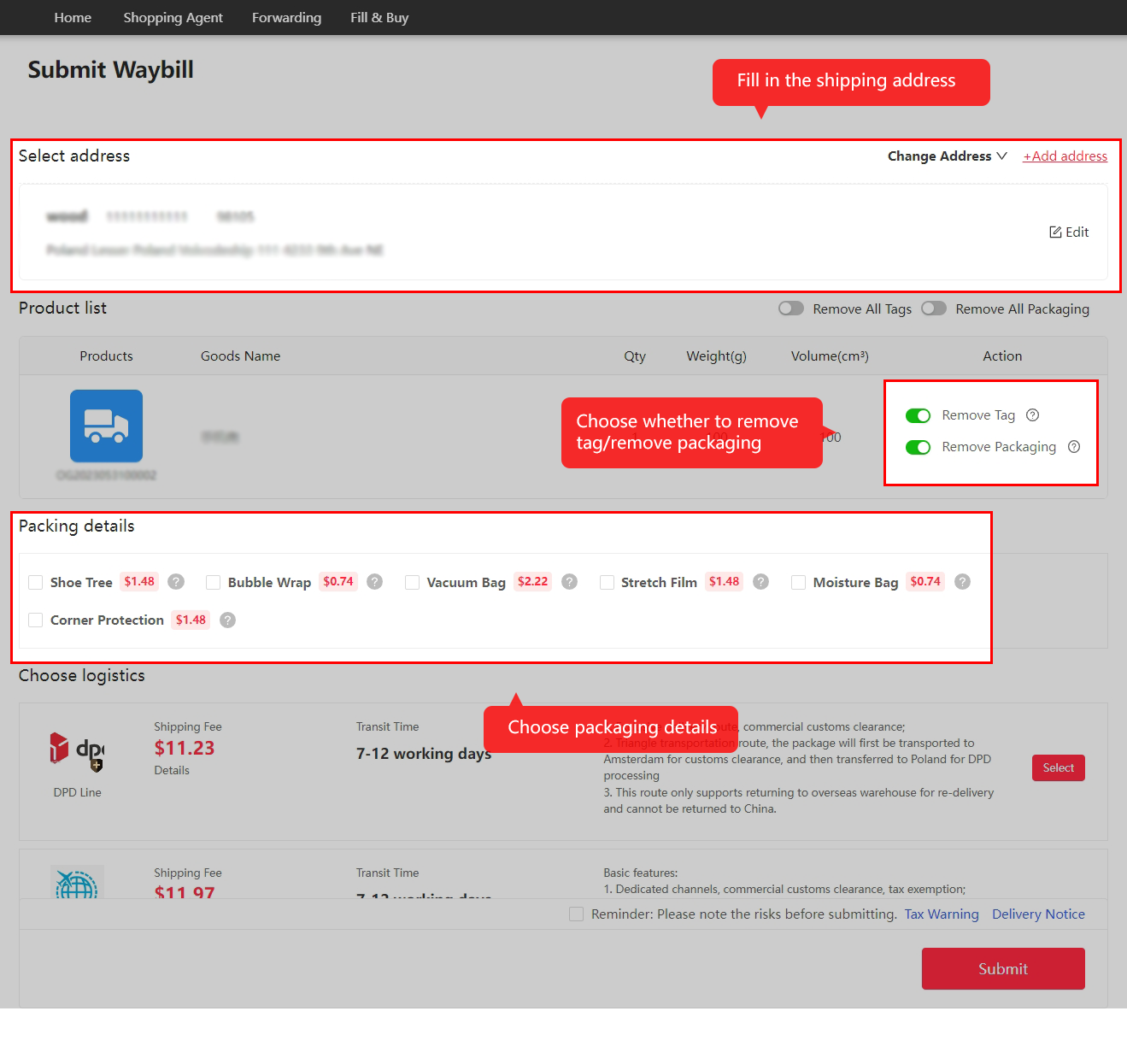
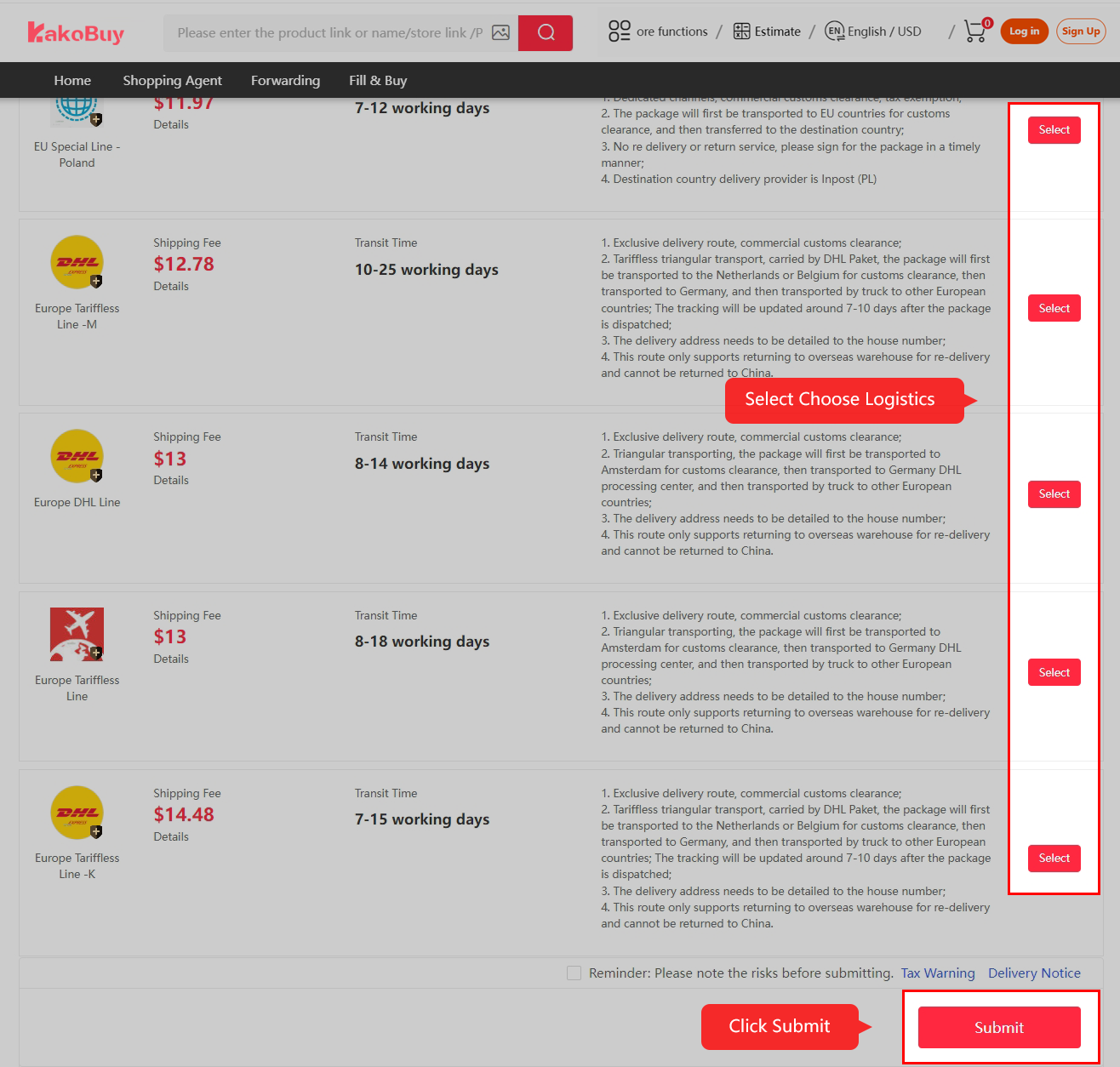
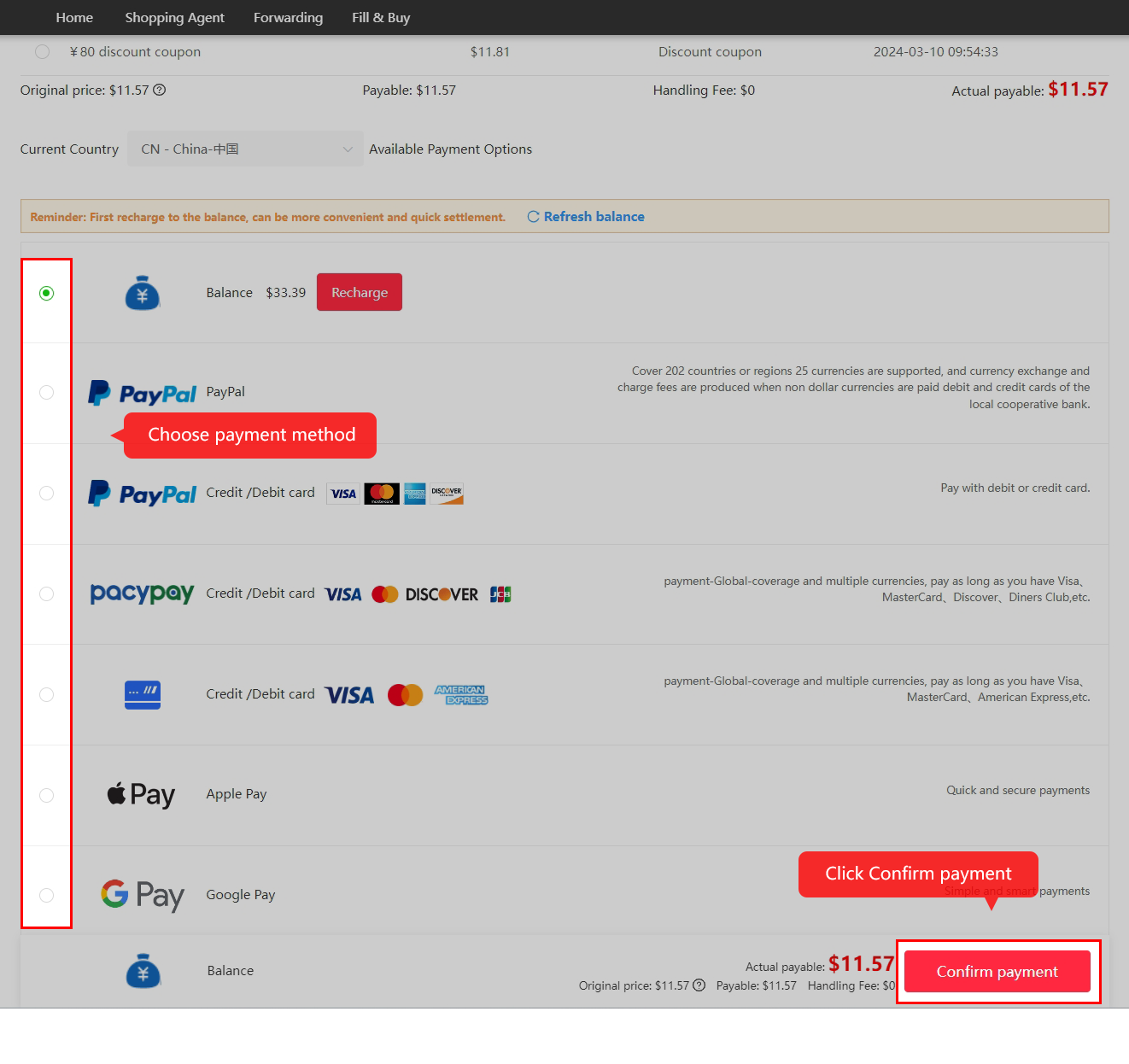
Select reviewed items, confirm address and packing, then compare eligible routes and pay international fees. Save the selected route, restrictions and any insurance terms. Packed chargeable weight differs from item net weight.
7. Follow packing and outbound tracking
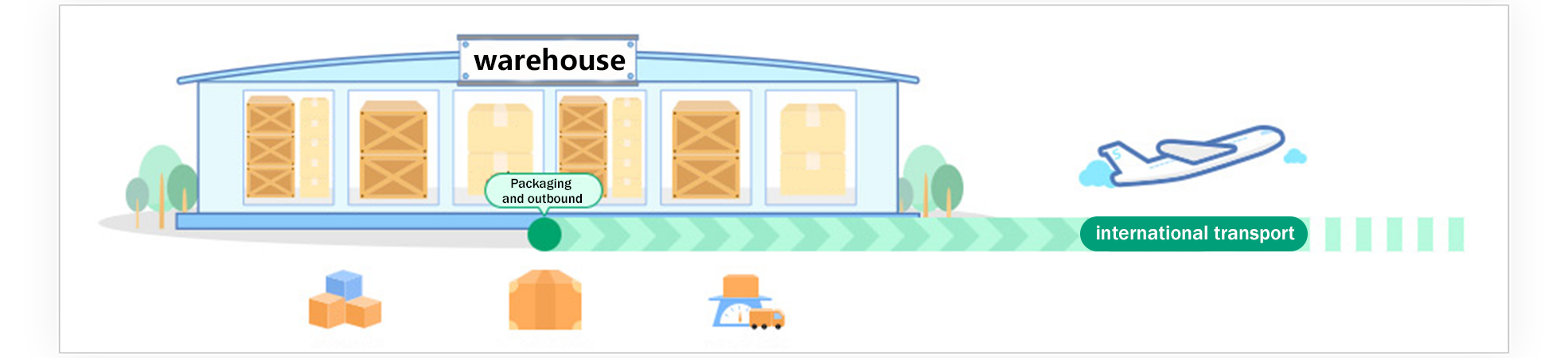
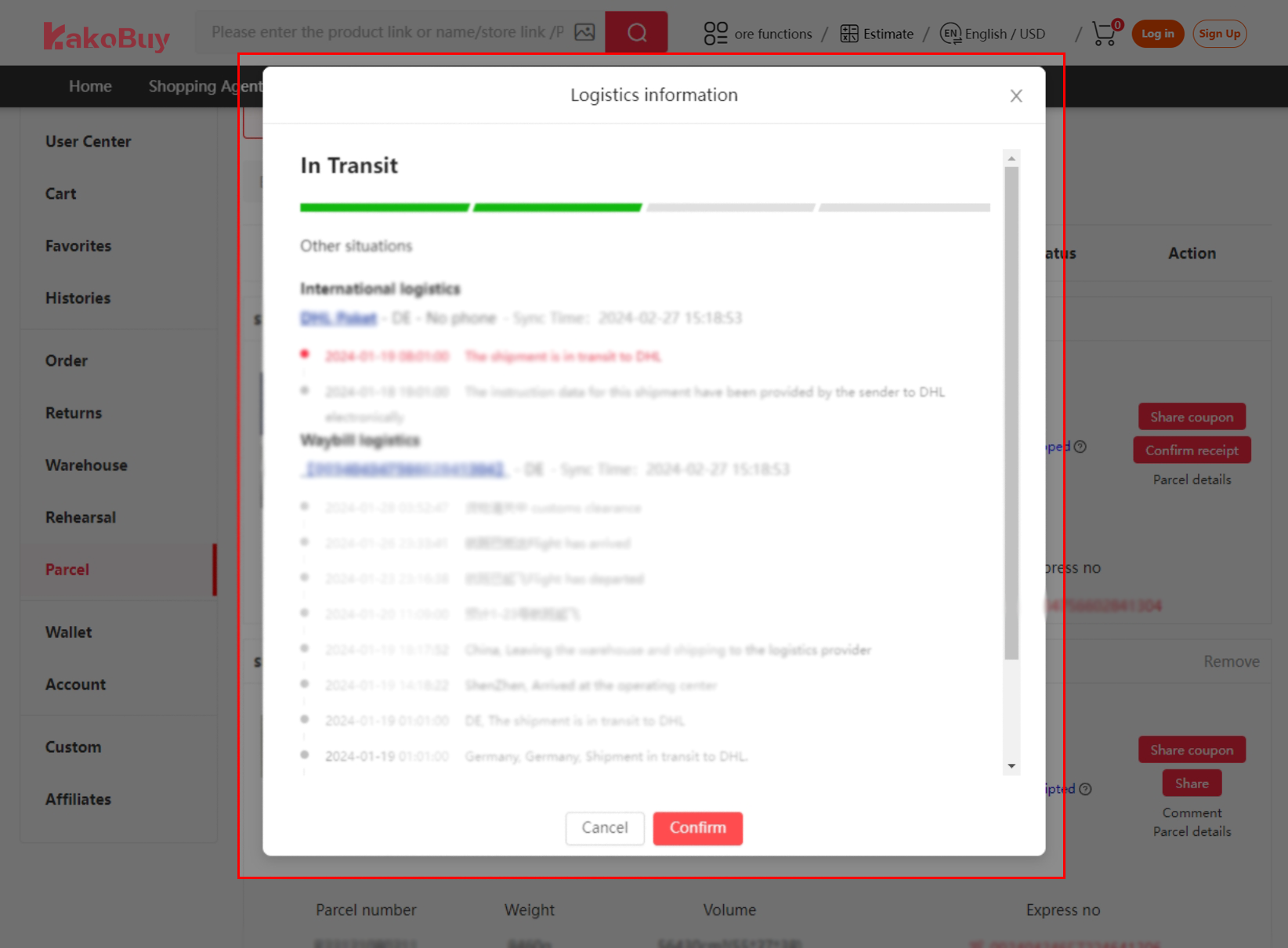
The warehouse packs and dispatches the parcel. Read any final weight or balance adjustment, then follow the actual tracking record. A gap between scans does not by itself prove loss.
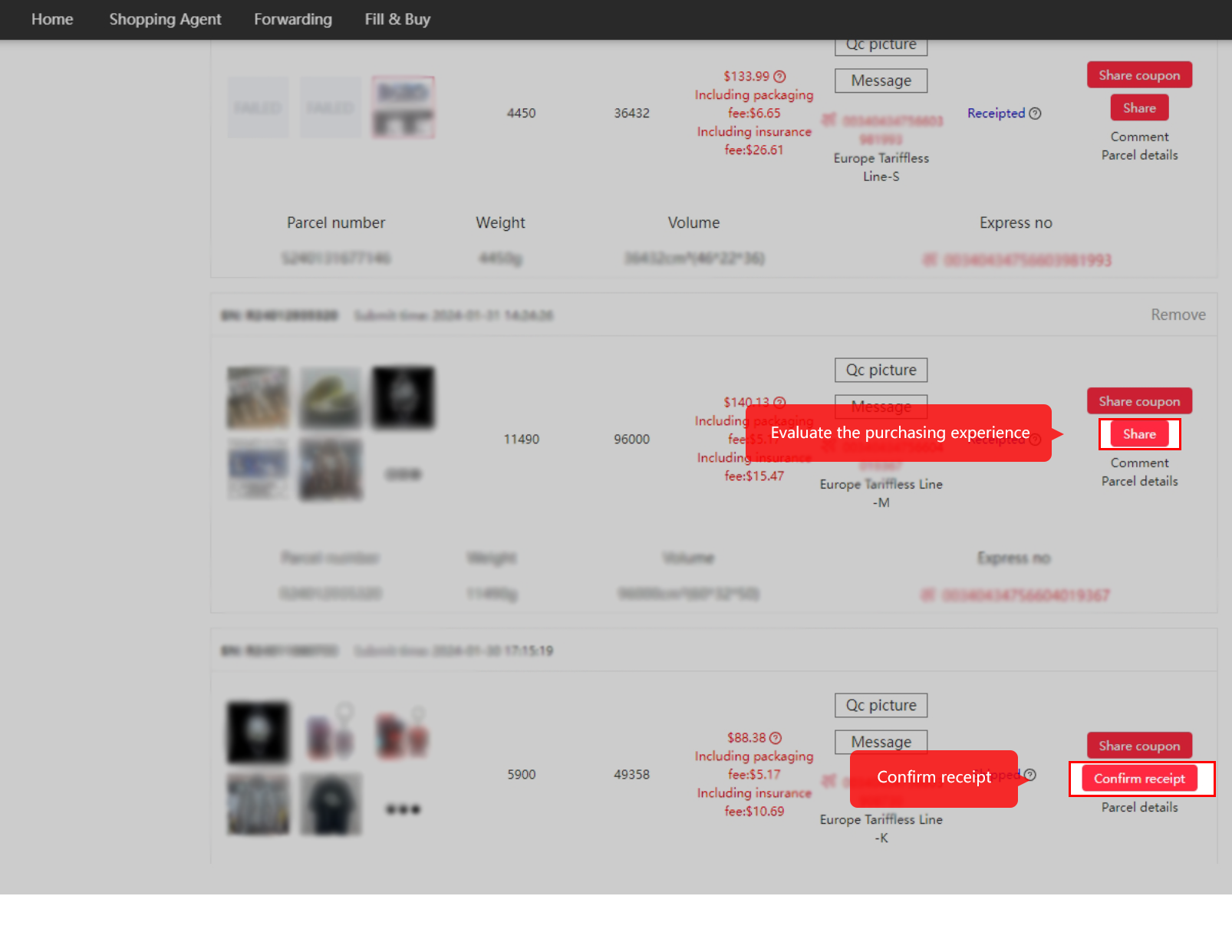
8. Check delivery and confirm receipt
Inspect the delivered contents before confirmation. Keep useful packaging and evidence, and report a genuine problem promptly through the order or parcel support channel. Check the applicable reporting windows.
Keep the next handover ready
Before paying for a product, read the seller and manual-order terms. Before shipping, save the chosen logistics and cover. At receipt, compare the contents with the order and keep evidence of a problem.